Laptop screens force you to position your face close to all the laptop’s EMF-generating components: screen, logic board, battery, and power circuitry.
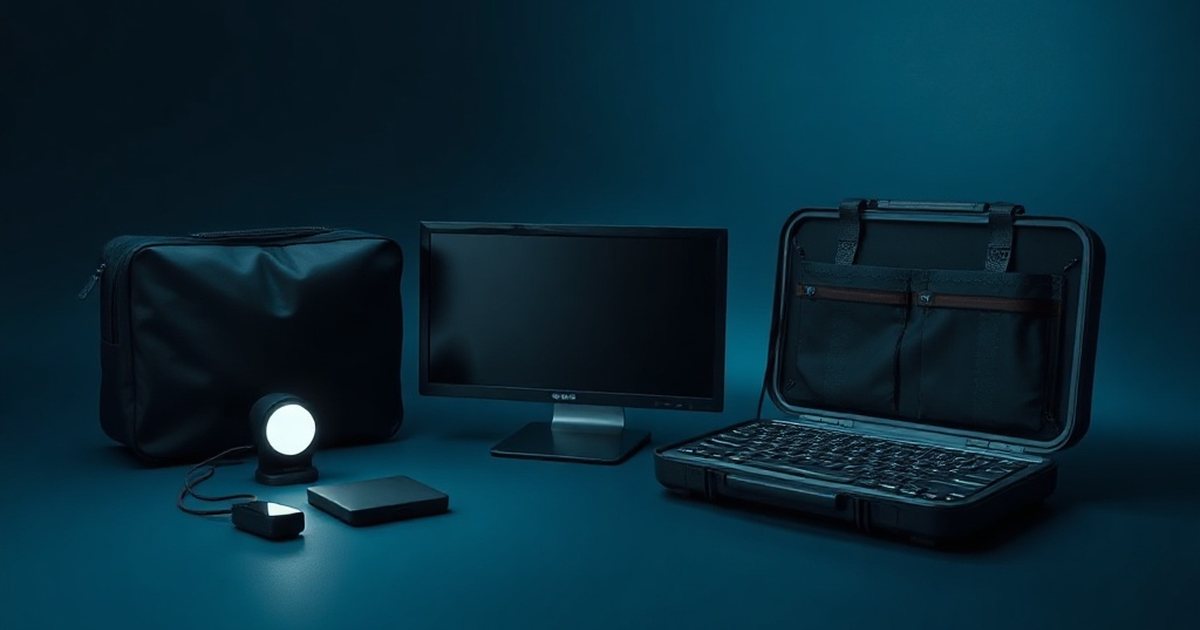
An external monitor breaks that arrangement. The display moves to arm’s length, and the laptop, with everything inside it, goes off to the side or behind the screen.
Get our complete guide with room-by-room strategies and product recommendations.
What you are separating
On a laptop, the screen is hinged to the base, so your face is always within a short reach of the processor, battery and charging circuitry. A separate monitor splits the two. The display sits where you look, and the machine doing the processing sits where you do not.
- Distance from the source: EMF intensity drops off quickly with distance, and in household measurements appliance magnetic fields dropped drastically within tens of centimeters [1]
A monitor on a stand lets the laptop sit farther from your face
Raise the screen, move the laptop back.
Household appliances measured in Japan; the authors found fields fall drastically with distance and do not track the appliance's power rating. Radio sources fall off with distance too, though more gradually. Source: IEEJ Transactions on Fundamentals and Materials (2009)
Data table
| Item | Value |
|---|---|
| Hairdryer at 3 cm | 16.34 µT |
| Hairdryer at 30 cm | 0.16 µT |
| Hairdryer at 60 cm | 0.02 µT |
| Vacuum cleaner at 3 cm | 15.98 µT |
| Vacuum cleaner at 30 cm | 0.97 µT |
| Vacuum cleaner at 60 cm | 0.04 µT |
Chart: frequencyblockers.com: A monitor on a stand lets the laptop sit farther from your face
Embed this chart
Free to reuse on your site. Copy the code below; please keep the credit link.
The explainer compares two appliances at several distances. Your laptop is not either of them, but the shape of the drop applies to any small source: most of the change happens in the first stretch away from it.
Setting up the second display
- Connect the monitor with an HDMI, DisplayPort or USB-C cable, then set it as the main display in the system settings.
- Place the monitor at arm’s length and the top of the screen at about eye level. A riser or stand helps if it sits too low.
- Move the laptop to the side or behind the monitor, or shut the lid and use it as a closed unit. Closing the lid needs an external keyboard and mouse, so set those up first.
- Keep the vents clear if you close the lid. The laptop still runs, so it still needs airflow.
How to check it worked
A gaussmeter held at face height in your old position, and then at the monitor distance, shows how far the reading falls. Compare readings with the same program running. A monitor has its own power supply and electronics, so expect a small reading at its surface too; the aim is that your face is farther from the larger sources.
Monitor Stand Riser with Storage
A riser sets an external monitor at eye level and arm’s length, so the laptop itself can sit closed further back on the desk.
Where it stops helping
The laptop is still on. Its radios still transmit and its battery still charges, only from farther away. Wired networking and a switched-off Wi-Fi radio would be separate steps. For the RF radios, the research below sets the scale.
The International Agency for Research on Cancer (IARC) has classified radiofrequency electromagnetic fields as “possibly carcinogenic to humans” (Group 2B), based on limited evidence for glioma and acoustic neuroma among wireless phone users [4] [5] [6].
A WHO-commissioned review has since graded the evidence as moderate certainty that head-held mobile phone use likely does not increase the risk of glioma, meningioma, acoustic neuroma, pituitary or salivary gland tumours in adults, and the US National Cancer Institute says the evidence to date suggests cell phone use does not cause brain or other kinds of cancer in humans. Reasonable precautions are a personal choice, not a response to a demonstrated risk [4][5][6].
Ready for More EMF Protection Tips?
Our complete guide includes 100 actionable strategies for every room in your home, plus product recommendations from our curated collection.
Frequently Asked Questions
How much closer is your face to EMF sources when using a laptop versus an external monitor?
When using a laptop screen, your face is typically 12-18 inches from multiple EMF-generating components including the screen, logic board, battery, and power circuitry. By switching to an external monitor, you can position yourself 20-30 inches away or farther, significantly reducing your exposure according to the distance principle of EMF protection.
What EMF-generating components inside a laptop should I be concerned about?
The main sources of EMF in laptops are the screen display, logic board (processor and circuits), internal battery, and power circuitry. When you work close to a laptop screen, your head and face are near the screen, logic board, battery, and wireless antennas, but the radio-frequency energy absorbed is small: a simulation of a laptop on a lap found its 2.4 and 5 GHz antenna radiation was negligible next to the heat the laptop produced [2].
Can I reduce EMF exposure by simply using an external monitor with my laptop?
Yes, using an external monitor allows you to increase distance from your laptop’s EMF sources, which is one of the most effective protection strategies. You can position the laptop farther away (or even closed) while working on the external monitor, though you should still consider powering down the laptop or using shielding if it remains on nearby.
Is the distance principle of EMF protection scientifically supported?
Yes, as physics and measurement: in household measurements appliance magnetic fields dropped drastically with distance, and RF absorption from a phone falls to less than one-tenth on the side of the head away from the phone. Whether lower exposure improves health is a separate question that the evidence has not settled [1][3].
References
- Kenji Tanaka et al. Quantification of Low Frequency Magnetic Fields Generated by Household Appliances. IEEJ Transactions on Fundamentals and Materials (2009). doi:10.1541/ieejfms.129.627
- Safari M et al. Thermal mapping on male genital and skin tissues of laptop thermal sources and electromagnetic interaction. Bioelectromagnetics (2017). PMID 28799651
- ICNIRP (International Commission for Non-Ionizing Radiation Protection) Standing Committee on Epidemiology: et al. Epidemiology of Health Effects of Radiofrequency Exposure. Environmental Health Perspectives (2004). PMID 15579422
- International Agency for Research on Cancer IARC classifies radiofrequency electromagnetic fields as possibly carcinogenic to humans (Press release 208). International Agency for Research on Cancer (2011). source
- Karipidis K et al. The effect of exposure to radiofrequency fields on cancer risk in the general and working population: A systematic review of human observational studies – Part I: Most researched outcomes. Environment international (2024). PMID 39241333
- US National Cancer Institute Cell Phones and Cancer Risk. US National Cancer Institute (current). source
These statements have not been evaluated by the Food and Drug Administration. This information is not intended to diagnose, treat, cure, or prevent any disease. Content is for informational purposes only and is not medical advice; consult a qualified healthcare provider before starting any supplement. As an Amazon Associate we earn from qualifying purchases.