Laptops in sleep mode still emit some EMF: fans occasionally spin, WiFi stays connected, background processes run. It’s reduced but not zero.
Sleep mode is a pause, not an off switch. A full shutdown is the only state in which the laptop stops being a source at all.
Get our complete guide with room-by-room strategies and product recommendations.
Sleep, hibernate and shutdown are different
In sleep, the laptop keeps its memory powered so it can wake in a second. That means the processor wakes occasionally and the wireless chip can stay joined to the network. Hibernate writes your session to disk and powers down, which comes much closer to off, and a full shutdown closes everything.
Turning the laptop fully off removes the source that sleep mode leaves on
Remove or switch it off
The most reliable fix: wire it, schedule it off, or choose a model without the radio.
Move it away
Fields from a device fall off quickly with distance, so the nightstand beats the pillow.
Block the path
Only for what you cannot remove or move; it must cover the path fully to work.
Measure before and after
Use a meter that reads the field type the change targets, so you know it worked.
Shut down when you are done.
The usual order of fixes: source first, shielding last.
Chart: frequencyblockers.com: Turning the laptop fully off removes the source that sleep mode leaves on
Embed this chart
Free to reuse on your site. Copy the code below; please keep the credit link.
Reducing exposure time is a standard principle for ionizing radiation such as x-rays; the radiofrequency energy from a laptop is non-ionizing and too weak to damage DNA, so the comparison does not carry over [3].
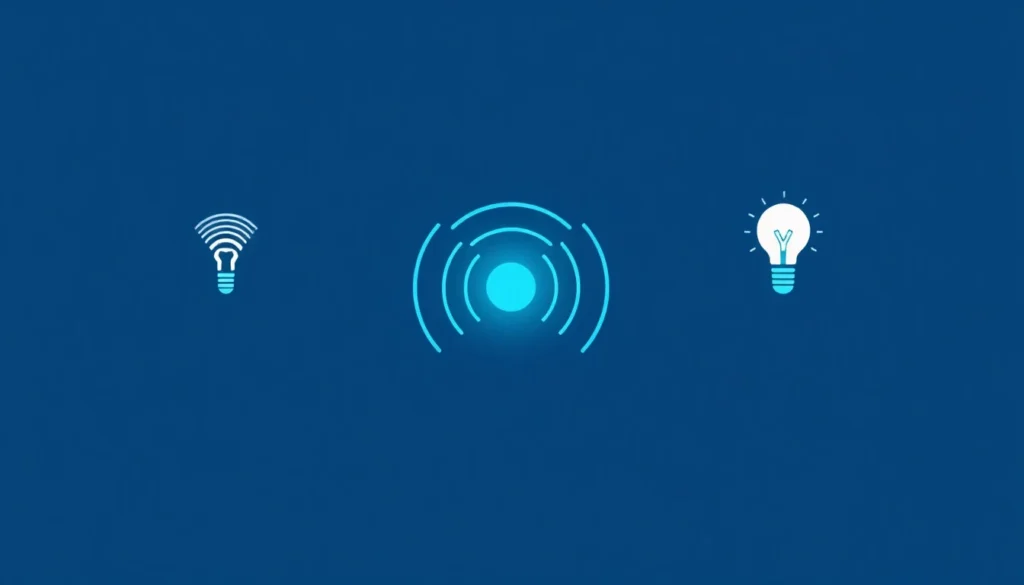
The explainer shows the contrast between a source that is on and one that is off. For a laptop the same logic holds: a device with no power running through it has no field to measure.
Making shutdown the habit
- Use the shut down command in the power menu rather than closing the lid. Closing the lid usually triggers sleep.
- Look for settings that let the laptop wake itself for updates or network requests, and switch them off if you want sleep to stay quiet.
- Unplug the charger, or at least move the brick, once the laptop is off. A charger plugged into the wall still sits in the outlet’s field even with nothing attached.
- Treat the next boot as a fresh start. It also closes tabs and programs you no longer need.

How to compare the states
Park an RF meter next to the laptop and watch it through three states: awake, asleep and shut down. A sleeping machine may show occasional bursts as it wakes for background work, where a shut-down one stays at the room’s baseline. A gaussmeter does the same for the magnetic readings near the battery and board.
Surge Protector Power Strip
A switched power strip turns the laptop charger and its desk companions off together, so shutting down for the night is one switch.
Scale and what shutdown will not change
The study “Wi-Fi is an important threat to human health” is one contested position; a WHO workshop report concluded that the evidence provides little support for adverse health effects from RF exposure below current international standards [1].
Shutting down lowers your exposure to that one source, although whole-body exposure from everyday sources is already below the general-public limit [2].
The International Agency for Research on Cancer (IARC) has classified radiofrequency electromagnetic fields as “possibly carcinogenic to humans,” based on limited evidence for glioma in wireless phone users. The US National Cancer Institute says the evidence to date suggests cell phone use does not cause brain or other kinds of cancer, though some people still choose to take precautions [5][3].
Shutdown costs a boot time and nothing else, which is why it works as a standing habit. It does not do anything for the hours when the laptop is on and in use.

Ready for More EMF Protection Tips?
Our complete guide includes 100 actionable strategies for every room in your home, plus product recommendations from our curated collection.
Frequently Asked Questions
Does my laptop really emit EMF radiation when it’s in sleep mode?
Yes, laptops in sleep mode still emit EMF because fans occasionally spin, WiFi remains connected, and background processes continue running. While the emission is reduced compared to active use, it’s not zero, which is why fully powering down is more effective for EMF reduction.
What’s the difference between putting my laptop to sleep versus turning it off completely?
Sleep mode leaves your laptop in a low-power state with WiFi and background processes still active, continuing to emit EMF. Completely turning off your laptop powers down these systems entirely, eliminating EMF emissions and providing maximum protection when you’re not using it.
How does turning off my laptop relate to the TIME principle of EMF protection?
Turning off your laptop addresses the TIME principle by reducing the time you spend exposed to EMF radiation. Since sleep mode still generates some EMF, completely powering down removes the source rather than just reducing exposure, which is a simple way to remove a small source, though any health benefit of doing so has not been shown [4][2].
Will turning off my laptop frequently damage it or shorten its lifespan?
No, regularly turning off your laptop will not damage it or reduce its lifespan. Modern laptops are designed to handle frequent power cycles, and turning off your device when not in use is actually a healthy practice for both device longevity and reducing unnecessary EMF exposure.
References
- Peter A. Valberg et al. Workgroup Report: Base Stations and Wireless Networks, Radiofrequency (RF) Exposures and Health Consequences. Environmental Health Perspectives (2006). PMID 17431492
- Joseph W et al. Estimation of whole-body SAR from electromagnetic fields using personal exposure meters. Bioelectromagnetics (2010). PMID 20041435
- US National Cancer Institute Cell Phones and Cancer Risk. US National Cancer Institute (current). source
- US Food and Drug Administration Scientific Evidence for Cell Phone Safety. US Food and Drug Administration (current). source
- International Agency for Research on Cancer IARC classifies radiofrequency electromagnetic fields as possibly carcinogenic to humans (Press release 208). International Agency for Research on Cancer (2011). source
These statements have not been evaluated by the Food and Drug Administration. This information is not intended to diagnose, treat, cure, or prevent any disease. Content is for informational purposes only and is not medical advice; consult a qualified healthcare provider before starting any supplement. As an Amazon Associate we earn from qualifying purchases.