Your router sits on the desk next to you, or in the living room where you spend hours each day. You’re exposed to low-level WiFi signals for much of your day [1][2].
Watch our quick tip on YouTube Shorts
The cheapest change is to stop treating the router as furniture. It can live almost anywhere, so place it where nobody sits or sleeps, and let a cable carry the connection the last few steps.
Get our complete guide with room-by-room strategies and product recommendations.
Why distance does most of the work
A router radiates in every direction, and the field it makes falls away steeply as you move off. In open space, doubling the distance cuts the power density to a quarter. Walls and furniture add reflections and losses, so real rooms are less tidy than that, but the direction is the same: a router across the house reaches you far more weakly than one on your desk.
Fields fall off quickly with distance, so keep the router out of living areas
A few extra steps of distance help.
Household appliances measured in Japan; the authors found fields fall drastically with distance and do not track the appliance's power rating. Radio sources fall off with distance too, though more gradually. Source: IEEJ Transactions on Fundamentals and Materials (2009)
Data table
| Item | Value |
|---|---|
| Hairdryer at 3 cm | 16.34 µT |
| Hairdryer at 30 cm | 0.16 µT |
| Hairdryer at 60 cm | 0.02 µT |
| Vacuum cleaner at 3 cm | 15.98 µT |
| Vacuum cleaner at 30 cm | 0.97 µT |
| Vacuum cleaner at 60 cm | 0.04 µT |
Chart: frequencyblockers.com: Fields fall off quickly with distance, so keep the router out of living areas
Embed this chart
Free to reuse on your site. Copy the code below; please keep the credit link.
Research note: In a realistic indoor Belgian environment, Wi-Fi power density was at most 8.9 mW/m2 and 165.8 uW/m2 on average [8].
Those measured levels are low to begin with. Distance is still the lever you control, and unlike a shield it costs nothing and has no seams to leak.
Where the router should go
- Choose the spot with the fewest hours of human presence: a utility room, basement, garage corner or hall closet away from bedrooms.
- Avoid a wall shared with a bed or a desk. Radio passes through plasterboard and wood readily.
- Keep it off the floor and clear of metal objects, which can shadow the signal and force you to turn the router up.
- Run Ethernet to the places you work, and use Wi-Fi only for devices that cannot take a cable. The shielded Ethernet cable on this site is one option.
Tuning it and checking the result
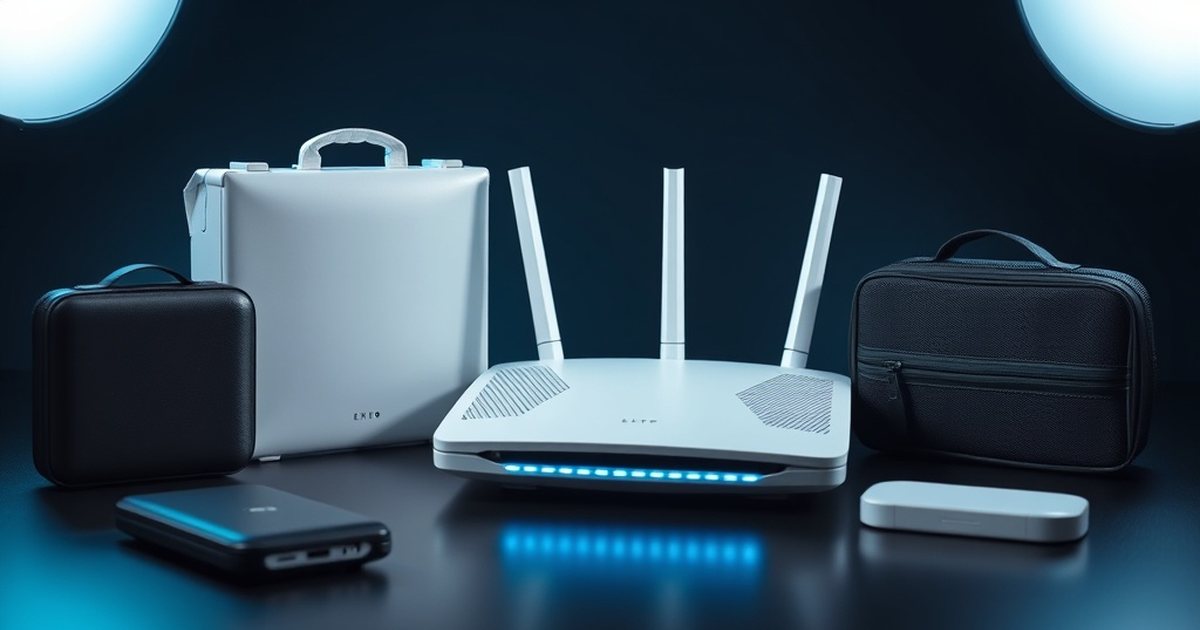
Use a WiFi analyzer app to find the minimum power/position that still covers your needs, then, if you want to, add a router cover, keeping in mind that shielding performance depends on frequency and on seams and gaps [4][5].
Then check with an RF meter. Take a reading at your usual seat or at the bed before the move, then another in the same place afterwards. Keep the same devices connected, since traffic raises the reading. The point is to see how much the move bought, and where Wi-Fi coverage starts to thin out.
If a distant room loses its signal, a second access point wired by cable is better than turning the router up, because it keeps each transmitter low and further from you.
Cat7 Shielded Ethernet Cable
Moving the router away often means running a cable to it. A long shielded Ethernet cable lets the router sit in a hallway or closet while the modem stays put.
What the research does and does not show
The study “Wi-Fi is an important threat to human health” argues that WiFi is harmful, but that is a contested position: a review of 46 blind or double-blind provocation studies with 1175 volunteers who attribute symptoms to EMF found no robust evidence that the fields trigger those symptoms [3].
The International Agency for Research on Cancer (IARC) has classified radiofrequency electromagnetic fields as “possibly carcinogenic to humans,” a rating based on limited human evidence for glioma and acoustic neuroma. The US National Cancer Institute says the evidence to date suggests cell phone use does not cause brain or other kinds of cancer. Simple, low-cost precautions are a reasonable personal choice, but they rest on uncertainty, not on proven harm [6][7].
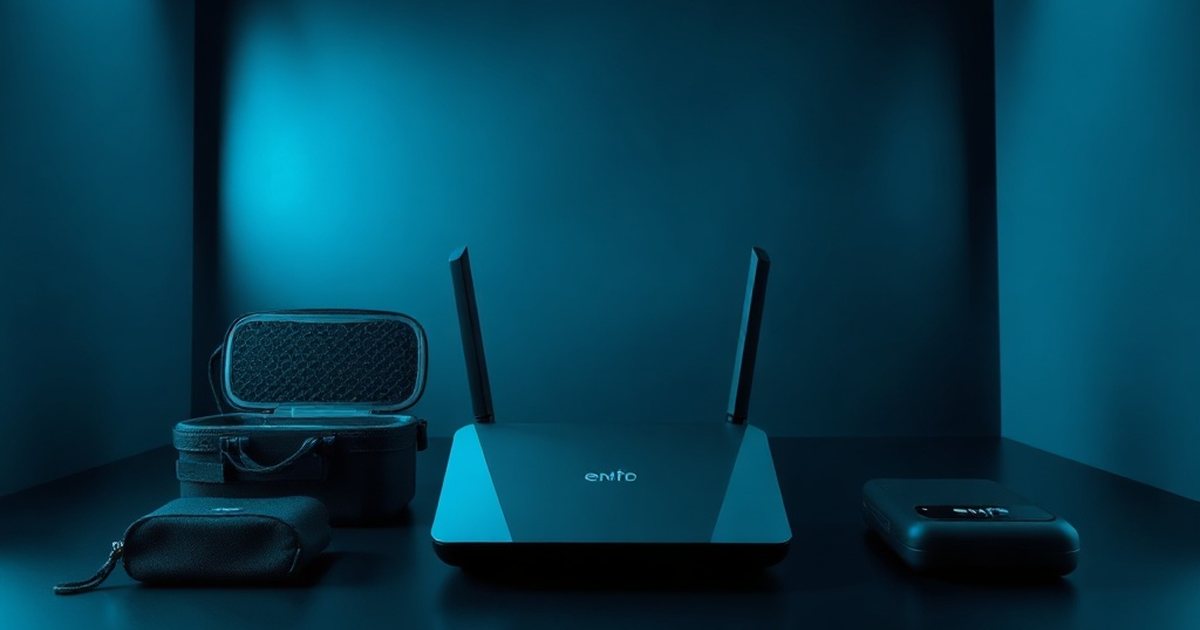
Ready for More EMF Protection Tips?
Our complete guide includes 100 actionable strategies for every room in your home, plus product recommendations from our curated collection.
Frequently Asked Questions
How far should I place my router away from where I spend the most time?
You should position your router at least 20-30 feet away from areas where you spend extended periods, such as bedrooms, living rooms, or workspaces. The farther away you can place it, the more you reduce your RF exposure, since electromagnetic field strength decreases significantly with distance.
Can I use a wired connection instead of WiFi if I move my router away?
Yes, using a CAT6 Ethernet cable to connect your devices directly to the router is an excellent solution that eliminates WiFi radiation exposure in your living areas. This approach allows you to position your router in a basement, closet, or other area away from where you spend time while maintaining fast internet speeds.
Will moving my router to another room actually make a difference in my EMF exposure?
Absolutely, distance is one of the most effective EMF protection principles because radiation intensity decreases rapidly as you move away from the source. Moving your router from your desk or living room to another location can reduce your exposure levels by 75-90%, depending on the distance and obstacles between you and the device.

What’s the best location in my home to place a router if I want to minimize EMF?
The ideal location is an interior closet, garage, basement, or attic where you rarely spend time and that’s as far as possible from bedrooms and living areas. You can then use wired connections where you need internet access, effectively eliminating the need to have strong WiFi signals broadcasting throughout your primary living spaces.
References
- Leen Verloock et al. Assessment of Radio Frequency Exposures in Schools, Homes, and Public Places in Belgium. Health Physics (2014). PMID 25353235
- Ken Karipidis et al. Exposure to Radiofrequency Electromagnetic Fields From Wi-Fi in Australian Schools. Radiation Protection Dosimetry (2016). PMID 28074013
- Rubin GJ et al. Idiopathic environmental intolerance attributed to electromagnetic fields (formerly 'electromagnetic hypersensitivity'): An updated systematic review of provocation studies. Bioelectromagnetics (2010). PMID 19681059
- Pušić T et al. Electromagnetic Shielding Properties of Knitted Fabric Made from Polyamide Threads Coated with Silver. Materials (Basel, Switzerland) (2021). PMID 33800263
- Andrew C. Marvin et al. A Method for the Measurement of Shielding Effectiveness of Planar Samples Requiring No Sample Edge Preparation or Contact. IEEE Transactions on Electromagnetic Compatibility (2009). doi:10.1109/temc.2009.2015147
- International Agency for Research on Cancer IARC classifies radiofrequency electromagnetic fields as possibly carcinogenic to humans (Press release 208). International Agency for Research on Cancer (2011). source
- US National Cancer Institute Cell Phones and Cancer Risk. US National Cancer Institute (current). source
- Reza Aminzadeh et al. On‐body calibration and measurements using personal radiofrequency exposimeters in indoor diffuse and specular environments. Bioelectromagnetics (2016). PMID 27121268
These statements have not been evaluated by the Food and Drug Administration. This information is not intended to diagnose, treat, cure, or prevent any disease. Content is for informational purposes only and is not medical advice; consult a qualified healthcare provider before starting any supplement. As an Amazon Associate we earn from qualifying purchases.