
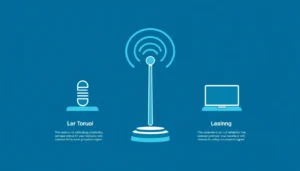
EMF Tip #36: Use a Grounded (3-Prong) Power Cord
A grounded three-prong cord gives the laptop’s chassis a path to ground while charging. This concerns the electric field around the machine, not its radios.
Practical steps to reduce everyday EMF exposure at home, one per page, starting with the free ones: distance, wired connections and device settings.
A grounded three-prong cord gives the laptop’s chassis a path to ground while charging. This concerns the electric field around the machine, not its radios.
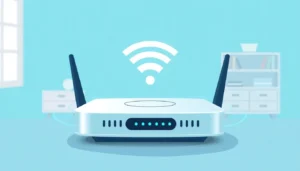
Plugging in Ethernet does not turn the wireless radios off by itself. Switching off WiFi and Bluetooth is a second step that is easy to forget.

A laptop on WiFi keeps its radio sending short bursts even while you only read. Ethernet lets that radio switch off while the connection keeps working.

Swapping to a wired mouse removes a small radio that sits under your hand. Measured fields from such devices are low, so this is a minor, inexpensive change.

An external wired keyboard lets you move the laptop away from your hands and forearms. Distance from the logic board and battery is what changes.

A hard surface between you and the laptop, like a desk or stand, mainly addresses heat and closeness. The radio signal itself is not the strong factor here.
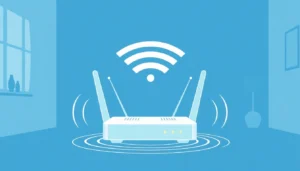
Neighbors’ routers can add a low level of RF indoors, especially in apartments. Checking how strong they really are tells you if shielding is worth the effort.
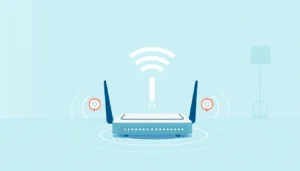
The router can sit anywhere, so place it where nobody sleeps or sits for long. A cable carries the connection the last few steps to the devices you use.
A plug-in mechanical timer cuts router power on a schedule, so night shutoff does not depend on memory. It reliably removes the source for set hours.
Grounding a router concerns the electric field around its power cord, not its WiFi signal. Whether it helps depends on the plug and what the outlet supports.
WiFi and cellular data are both radio, and which is lower depends on distance. A close router usually asks less of the phone than reaching a distant tower.
Tethering a laptop to a phone over USB replaces the WiFi hotspot link with a cable. A long cable also lets the phone sit across the room from you.