Router makers set transmit power high so the signal reaches the far corners of a large house and sometimes the yard. In a small home that is more reach than anyone needs.
Watch our quick tip on YouTube Shorts
Get our complete guide with room-by-room strategies and product recommendations.
Why lower power means a weaker field
A router’s Wi-Fi radio is a transmitter, and its output setting controls how strongly it broadcasts. Turn the output down and every point in the house sees a weaker signal, with the biggest drop close to the router, where the field is strongest. Devices that still get a good connection do not need the extra.
Lowering router power reduces the source when you cannot switch it off
Remove or switch it off
The most reliable fix: wire it, schedule it off, or choose a model without the radio.
Move it away
Fields from a device fall off quickly with distance, so the nightstand beats the pillow.
Block the path
Only for what you cannot remove or move; it must cover the path fully to work.
Measure before and after
Use a meter that reads the field type the change targets, so you know it worked.
Reduce the source before adding shielding.
The usual order of fixes: source first, shielding last.
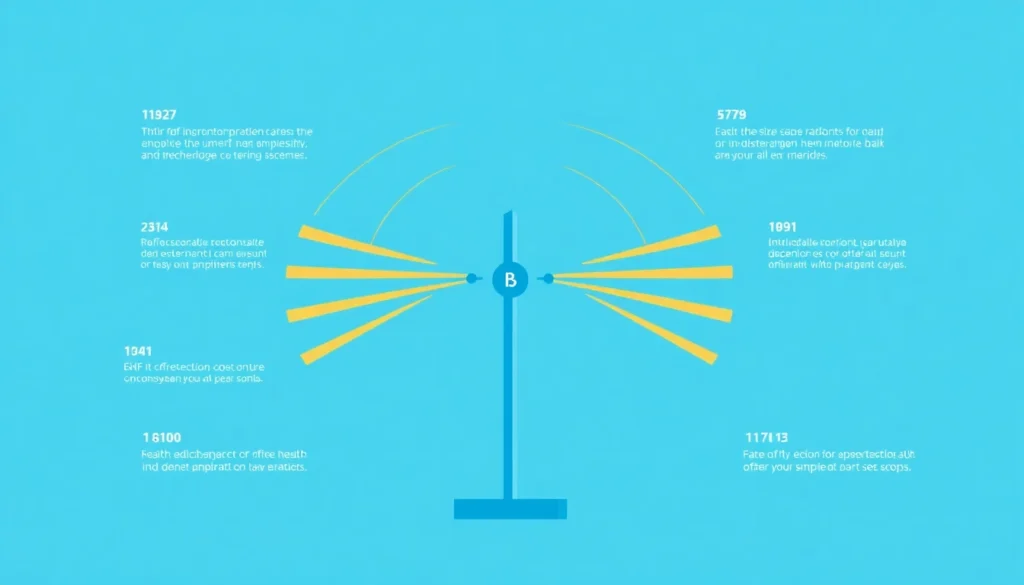
Chart: frequencyblockers.com: Lowering router power reduces the source when you cannot switch it off
Embed this chart
Free to reuse on your site. Copy the code below; please keep the credit link.
Measured WiFi levels in homes, schools and offices are generally low compared with exposure guidelines (see the measurements below), but lowering transmit power is a simple way to cut them further [1][2].
In Australian classrooms, typical and peak WiFi levels were of the order of 0.0001% and 0.01% of the exposure guidelines, and in Belgian schools, homes and public places 94% of broadband RF measurements were below 1 V/m [2][1].
Turning it down step by step
- Log into the router’s admin page, usually through the address printed on the router’s label or in its manual.
- Find the wireless settings and look for an option named transmit power, TX power or signal strength. Some routers lack it, and some list it under an advanced menu.
- Lower it one step, save, and test the connection in the farthest room where you actually use the internet.
- Keep lowering until a device in that room begins to struggle, then go back up one step.
The Fix: Log into your router’s admin panel (usually 192.168.1.1) and reduce the transmission power to the lowest setting that still gives you adequate coverage.
Keep the router in a central spot, and not in a corner or behind a cabinet. A good location lets you run the power lower and still cover the house.
Checking that it worked
Use an RF meter set for Wi-Fi frequencies. Take a reading about an arm’s length from the router and another in the room you spend the most time in, before and after the change, and compare the pairs. Test connection quality at the same time: an app that shows signal strength, or a speed test in the weakest room, tells you whether you went too low.
Research note: Mexican volunteers’ mean minimum Wi-Fi readings were 146.5 uW/m2 (2G Wi-Fi, travel) and 116.8 uW/m2 (5G Wi-Fi, home); the maximums were 499.7 and 264.9 uW/m2 at the workplace [8].
When this is not enough
Lower transmission power means less RF radiation in your home. If your devices still connect reliably, the setting is low enough. Regulators set limits on RF emissions from cell phones and similar wireless products, and the FDA says the weight of scientific evidence has not linked cell phone radio frequency radiation with any health problems, so this step is an optional precaution [3].
Low-EMF Eco WiFi Router
If your router has no transmit power setting at all, a router built with adjustable output is the alternative. Check the settings on the one you have first.
Lower power helps most in a small space. In a big house, a low setting leaves dead zones, and the better move there is a wired access point or a different router location. Nothing here changes how much nearby networks transmit.
The International Agency for Research on Cancer (IARC), part of the WHO, has classified radiofrequency electromagnetic fields as “possibly carcinogenic to humans,” a rating based on limited evidence about brain cancer risk. A 2024 WHO-commissioned review of human studies found that ever or regular mobile phone use was not associated with glioma risk, and the US National Cancer Institute says the evidence to date suggests cell phone use does not cause brain or other kinds of cancer. The steps in this guide are a low-cost precaution, not a response to a proven harm [4][5][6][7].


Ready for More EMF Protection Tips?
Our complete guide includes 100 actionable strategies for every room in your home, plus product recommendations from our curated collection.
Frequently Asked Questions
Why is my WiFi router set to maximum transmission power by default?
Most routers ship with transmission power at maximum to reach distant areas like your backyard and even your neighbor’s house. This default setting is designed for coverage rather than necessity, meaning you’re likely receiving far more EMF exposure than you actually need in a smaller space.
How much can I reduce my EMF exposure by lowering my router’s transmission power?
By reducing your router’s transmission power, you can significantly decrease your EMF exposure, especially in apartments or smaller homes where you’re typically receiving 10 times more power than necessary. This adjustment lowers the power at the source, which reduces the field everywhere in the home.
Is it safe to turn down WiFi transmission power without losing internet connection?
Yes, turning down your WiFi transmission power is safe and won’t significantly impact your internet connection in most residential settings, particularly in apartments or small homes. You’ll maintain reliable connectivity while substantially reducing your EMF exposure, making it a practical solution for health-conscious users.

How do I know what transmission power level is right for my home?
Start by testing your internet speed and signal strength at your router’s current power level, then gradually reduce the transmission power in your router settings while monitoring performance. You’ve found the right level when you maintain adequate coverage and speed throughout your living space while minimizing unnecessary EMF radiation exposure.
References
- Leen Verloock et al. Assessment of Radio Frequency Exposures in Schools, Homes, and Public Places in Belgium. Health Physics (2014). PMID 25353235
- Ken Karipidis et al. Exposure to Radiofrequency Electromagnetic Fields From Wi-Fi in Australian Schools. Radiation Protection Dosimetry (2016). PMID 28074013
- US Food and Drug Administration Scientific Evidence for Cell Phone Safety. US Food and Drug Administration (current). source
- Mireille B. Toledano et al. Cohort profile: UK COSMOS, a UK cohort for study of environment and health. International Journal of Epidemiology (2015). PMID 26534947
- International Agency for Research on Cancer IARC classifies radiofrequency electromagnetic fields as possibly carcinogenic to humans (Press release 208). International Agency for Research on Cancer (2011). source
- Karipidis K et al. The effect of exposure to radiofrequency fields on cancer risk in the general and working population: A systematic review of human observational studies – Part I: Most researched outcomes. Environment international (2024). PMID 39241333
- US National Cancer Institute Cell Phones and Cancer Risk. US National Cancer Institute (current). source
- Ramirez-Vazquez R et al. Personal Exposure Assessment to Wi-Fi Radiofrequency Electromagnetic Fields in Mexican Microenvironments. International journal of environmental research and public health (2021). PMID 33673014
These statements have not been evaluated by the Food and Drug Administration. This information is not intended to diagnose, treat, cure, or prevent any disease. Content is for informational purposes only and is not medical advice; consult a qualified healthcare provider before starting any supplement. As an Amazon Associate we earn from qualifying purchases.