If you’re looking to reduce your daily EMF (electromagnetic field) exposure, one of the simplest changes you can make takes less than 30 seconds—and it won’t cost you a dime. By switching your smartphone from 5G to 4G/LTE, you can significantly decrease the radiation your phone emits while staying fully connected to the digital world.
Watch our quick tip on YouTube Shorts
In this comprehensive guide, we’ll explore why this simple settings change matters, what the science says about 5G radiation, and how you can implement this tip today to protect yourself and your family. Whether you’re new to EMF awareness or looking to optimize your existing protection strategy, this foundational tip is an essential starting point.
Get our complete guide with room-by-room strategies and product recommendations.
Understanding the Difference: 5G vs. 4G Radiation
To understand why switching to 4G matters, we need to look at how these networks operate differently. Fifth-generation (5G) networks represent a significant technological leap, but that advancement comes with some considerations for EMF-conscious individuals.
5G networks operate across multiple frequency bands, including millimeter waves (mmWave) that range from 24 GHz to 100 GHz. These higher frequencies can carry more data but have a shorter range, which means 5G requires more cell towers placed closer together—sometimes every few hundred feet in urban areas. This density of infrastructure means you’re often closer to a transmitting antenna than you would be with 4G networks.
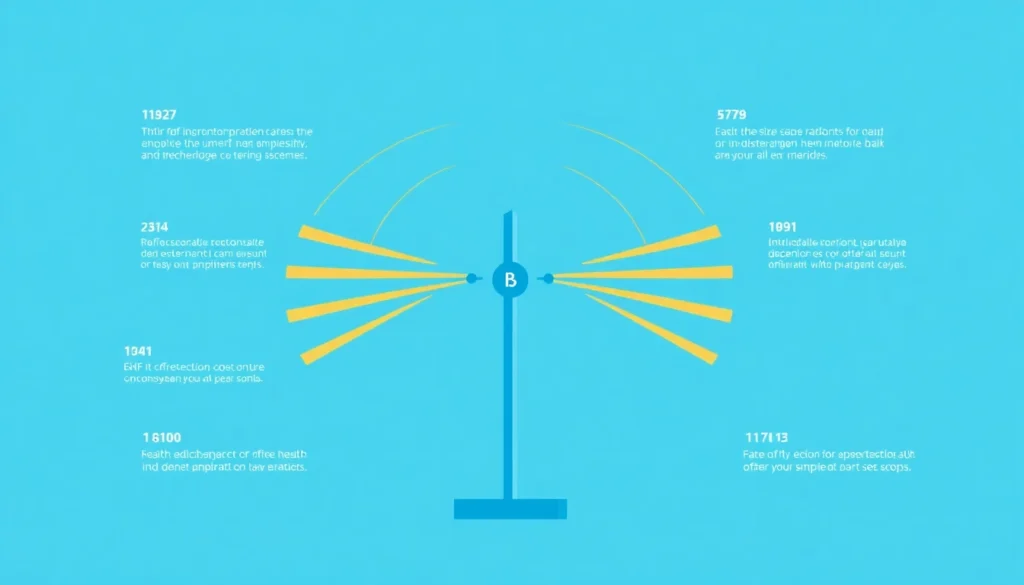
Additionally, 5G uses a technology called beamforming, which directs concentrated signals toward your device rather than broadcasting in all directions. While this is more efficient for data transfer, it also means more focused energy is being directed at your phone—and by extension, at you.
According to research published in the International Journal of Environmental Research and Public Health, the proliferation of 5G infrastructure has raised questions about cumulative exposure effects. A 2020 study titled “5G Wireless Communication and Health Effects—A Pragmatic Review Based on Available Studies” examined the available evidence on 5G health effects and noted that while more research is needed, the precautionary principle suggests minimizing unnecessary exposure where practical.
Why Your Phone Works Harder on 5G
Here’s something most people don’t realize: when your phone is connected to a 5G network, it often has to work harder to maintain that connection. This is especially true in areas with spotty 5G coverage, which is still common in many regions across the country.
When your phone struggles to maintain a connection, it increases its transmission power—and that means more radiation exposure for you. The phone essentially “shouts louder” to reach the cell tower, and since you’re typically holding it close to your body, you absorb more of that energy. This effect is particularly pronounced indoors, where 5G signals have difficulty penetrating walls and building materials.
Your phone’s Specific Absorption Rate (SAR)—the measure of how much radiofrequency energy your body absorbs—can vary significantly based on signal strength. When signal is weak, SAR values can increase by 100-1000 times compared to when you have a strong connection. By using 4G, which typically has better coverage and signal penetration, your phone can operate at lower power levels more consistently.
4G/LTE networks, by contrast, have been established for over a decade. The infrastructure is mature, coverage is extensive, and your phone typically doesn’t need to work as hard to stay connected. This translates to lower power output and, consequently, less radiation exposure throughout your day.
The Real-World Speed Difference (Spoiler: You Won’t Notice)
One of the biggest myths about 5G is that you need it for everyday tasks. The truth? For 95% of what you do on your phone, 4G is more than sufficient. The marketing around 5G has created unrealistic expectations about what most people actually need from their mobile connection.
Here’s what 4G handles perfectly well:
- Browsing social media and websites
- Streaming music on Spotify or Apple Music
- Video calls on Zoom, FaceTime, or Google Meet
- Streaming video in HD (and often 4K)
- Sending and receiving emails with attachments
- Navigation and real-time maps
- Online shopping and banking
- Playing most mobile games
- Uploading photos and videos to social media
The only scenarios where 5G provides a noticeable advantage are downloading very large files (like full-length movies or large games) or in extremely congested areas where 5G’s capacity helps manage network traffic. For most people, these situations are rare enough that the trade-off simply isn’t worth the increased exposure.
How to Switch from 5G to 4G on Your Phone
Making this change takes less than a minute. Here’s how to do it on the most common devices:
For iPhone Users:
- Open Settings
- Tap Cellular
- Tap Cellular Data Options
- Tap Voice & Data
- Select LTE instead of “5G Auto” or “5G On”
For Android Users (Samsung, Google Pixel, etc.):
- Open Settings
- Tap Connections or Network & Internet
- Tap Mobile Networks
- Tap Network Mode or Preferred Network Type
- Select LTE/4G or 4G/3G/2G (auto connect)
That’s it. Your phone will now use 4G networks exclusively, reducing its power output and your EMF exposure. The setting change is immediate—no restart required.
Additional Tips for Reducing Phone Radiation
Switching to 4G is a great first step, but it’s just one piece of the puzzle. Here are some complementary strategies that work alongside this tip to create a more comprehensive protection approach:
Use Speaker Mode or Air Tube Headphones: The intensity of EMF radiation decreases dramatically with distance—following the inverse square law. By keeping your phone just a few inches away from your head during calls, you can reduce exposure by up to 90%. Regular wired headphones can act as antennas, conducting radiation toward your ear, which is why air tube headphones are the preferred choice. For more on protective headphones, check out our guide on hardware shielding solutions.
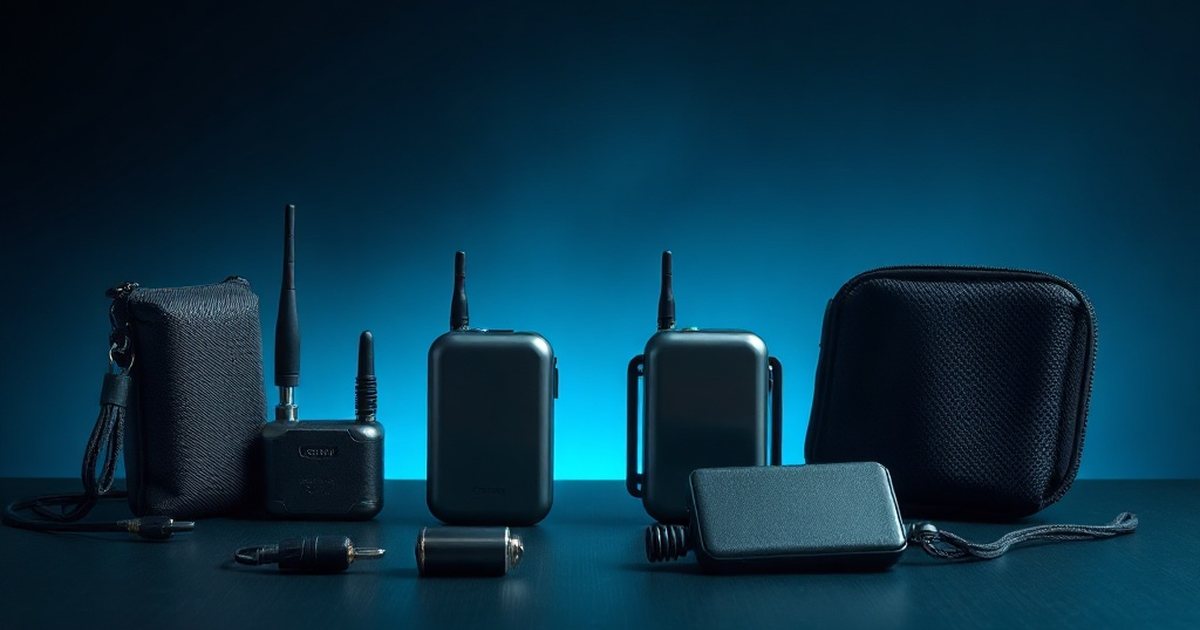
Don’t Carry Your Phone in Your Pocket: When not in use, place your phone in a bag or on a nearby surface. Studies have shown that carrying a phone in your pocket exposes reproductive organs to continuous low-level radiation. If you must carry it on your body, consider using a Faraday pouch that blocks signals when you don’t need connectivity. Our comprehensive Faraday Bag Buying Guide covers the best options available.
Enable Airplane Mode When Possible: At night or when you don’t need connectivity, airplane mode eliminates all wireless transmissions. This is especially important while sleeping, as your body’s repair processes can be affected by EMF exposure. Learn more about the differences between airplane mode and hardware shielding.
Text Instead of Call: When possible, send a text message rather than making a voice call. This keeps the phone away from your head and reduces the duration of high-power transmission.
Mission Darkness Faraday Bag
When you need complete signal blocking—not just reduced exposure—a Faraday bag provides 100% protection. Perfect for travel, sleeping, or when you want to completely disconnect. Lab-tested to block all cellular, WiFi, Bluetooth, and GPS signals.
The Science of EMF and the Precautionary Principle
It’s worth noting that the scientific community continues to study the long-term effects of wireless radiation. While regulatory bodies like the FCC maintain that current exposure limits are safe, these standards were established decades ago and are based primarily on thermal effects—the heating of tissue. Many researchers argue that non-thermal biological effects, which occur at much lower exposure levels, are not adequately addressed by current regulations.
Organizations like the BioInitiative Working Group, comprising independent scientists and researchers from around the world, have compiled over 1,800 studies suggesting that current safety standards may not adequately protect against non-thermal biological effects of EMF exposure. These effects include oxidative stress, DNA damage, and disruption of cellular communication.
The World Health Organization’s International Agency for Research on Cancer (IARC) classified radiofrequency electromagnetic fields as “possibly carcinogenic to humans” (Group 2B) back in 2011, based on an increased risk for glioma, a malignant type of brain cancer, associated with wireless phone use.
Given this ongoing scientific debate, many health-conscious individuals choose to follow the precautionary principle—taking reasonable steps to minimize exposure even in the absence of definitive proof of harm. The good news is that simple changes like switching to 4G, using speakerphone, and maintaining distance from your devices can meaningfully reduce your exposure without requiring major lifestyle changes or significant expense.

What About Battery Life?
Here’s a bonus benefit many people don’t expect: switching to 4G often improves your phone’s battery life. Because your phone doesn’t have to work as hard to maintain a 5G connection, it uses less power throughout the day.
5G radios consume more power than 4G radios, and the constant searching for 5G signals in areas with poor coverage drains your battery even faster. Many users report 10-20% better battery performance after making this switch, especially in areas with inconsistent 5G coverage. So not only are you reducing EMF exposure, you’re also getting more use out of each charge—a win-win situation.
Frequently Asked Questions
Will switching to 4G affect my ability to make calls?
No. Voice calls work identically on 4G networks. In fact, 4G voice calls (VoLTE – Voice over LTE) have been the standard for years and offer excellent call quality. Many people don’t realize that even on 5G phones, most voice calls are actually handled by the 4G network.
Can I switch back to 5G when I need faster speeds?
Absolutely. The setting is easily accessible and can be changed anytime. Some people switch to 5G only when downloading large files, then return to 4G for everyday use. This gives you the best of both worlds—faster downloads when needed, lower exposure the rest of the time.
Is this tip relevant if I have an older phone without 5G?
If your phone doesn’t have 5G capability, you’re already benefiting from lower EMF exposure in this regard. However, the other tips in our guide—such as using speaker mode, maintaining distance, and using Faraday protection—still apply to all smartphone users regardless of network generation.
Will my carrier charge me differently for using 4G?
No. Your data plan covers both 4G and 5G access. There’s no additional cost or penalty for choosing to use 4G networks. You’re simply selecting which technology your phone uses to connect.
Does this affect my phone’s GPS or WiFi?
No. This setting only affects your cellular data connection. GPS, WiFi, and Bluetooth operate independently and will continue to function normally.
Take Action Today
Reducing your EMF exposure doesn’t require expensive equipment or dramatic lifestyle changes. Sometimes, the most effective strategies are the simplest ones. Switching from 5G to 4G takes 30 seconds, costs nothing, and provides ongoing benefits every time you use your phone.
This is just one of 100 practical tips we’ve compiled for reducing EMF exposure in your home and daily life. Each tip follows the same philosophy: simple, actionable, and effective. From bedroom optimization to kitchen appliance choices, from personal devices to whole-home shielding, our complete guide covers every aspect of EMF protection.
Ready for More EMF Protection Tips?
Our complete guide includes 100 actionable strategies for every room in your home, plus product recommendations from our tested collection.
Trusted by Families Worldwide
Start with this tip today, and explore our other resources to build a comprehensive EMF protection strategy for your family. Small changes add up to significant protection over time, and every step you take moves you closer to a lower-EMF lifestyle.
Frequently Asked Questions
Will switching from 5G to 4G noticeably slow down my phone’s internet speed?
In most real-world scenarios, you won’t notice a significant difference in everyday browsing, messaging, or streaming. While 5G offers theoretical speed advantages, 4G/LTE is more than adequate for typical smartphone activities, and the speed difference becomes negligible for most users outside of specialized use cases.
How do I switch my phone to 4G mode to reduce EMF exposure?
On iPhone, go to Settings > Cellular > Cellular Data Options > Voice & Data, then select LTE instead of 5G. On Android devices like Samsung or Google Pixel, navigate to Settings > Network & Internet > Mobile Network > Preferred Network Type, and choose 4G/LTE from the available options.
Does using 4G instead of 5G affect my phone’s battery life?
Switching to 4G can actually improve battery life in many cases, since 4G networks are more power-efficient than 5G. Your phone won’t have to work as hard to maintain a connection, resulting in longer battery performance throughout the day.
Why do 5G networks emit more radiation than 4G networks?
5G uses higher frequency millimeter waves (24-100 GHz) that require more power transmission and denser tower placement to maintain signal coverage. Because your phone must work harder to connect to these more distant or weaker 5G signals, it emits stronger radiation compared to 4G/LTE networks, which operate on lower, more established frequencies.
These statements have not been evaluated by the Food and Drug Administration. This information is not intended to diagnose, treat, cure, or prevent any disease. Content is for informational purposes only and is not medical advice; consult a qualified healthcare provider before starting any supplement. As an Amazon Associate we earn from qualifying purchases.