Your WiFi router is one of the constant RF sources in your home, though not usually the largest: in personal-meter studies, DECT cordless phones gave 50.2% of mean exposure, ahead of mobile phones (18.4%), WiFi (12.5%) and base stations (11.0%) [1][2].
Unlike a phone that transmits mainly during calls or a microwave that runs for minutes at a time, a router broadcasts radio frequency signals 24 hours a day, seven days a week. It does this whether anyone is actively using the internet or not. Even at 3 AM, your router is pulsing out beacon frames every 100 milliseconds, announcing its presence to any device in range.
A typical home router outputs between 100 and 200 milliwatts of RF energy across the 2.4 GHz and 5 GHz bands. That may sound small next to a cell tower, but the difference is proximity. Your router sits inside your home, often within a few feet of where you work, relax, or sleep. And because RF exposure follows the inverse square law, those first few feet of distance matter enormously.
This guide consolidates everything you need to know about managing WiFi router EMF: how RF exposure drops with distance, where to place your router for the lowest exposure in occupied spaces, how router guards and Faraday cages work (with real product comparisons), and complementary strategies like ethernet backhaul and router timers. If you have read some of our individual EMF tips on topics like router placement, grounding, guards, or outlet timers, consider this the comprehensive version that ties all of those threads together.
How RF Exposure Changes With Distance
Radio frequency energy follows the inverse square law: when you double your distance from the source, the power density drops to one quarter. Triple the distance and exposure falls to one ninth. This is the single most important concept for managing WiFi router EMF, because it means small increases in distance create large reductions in exposure.
Distance from the router changes your exposure more than a cover does
Move the router, then consider a guard.
Household appliances measured in Japan; the authors found fields fall drastically with distance and do not track the appliance's power rating. Radio sources fall off with distance too, though more gradually. Source: IEEJ Transactions on Fundamentals and Materials (2009)
Data table
| Item | Value |
|---|---|
| Hairdryer at 3 cm | 16.34 µT |
| Hairdryer at 30 cm | 0.16 µT |
| Hairdryer at 60 cm | 0.02 µT |
| Vacuum cleaner at 3 cm | 15.98 µT |
| Vacuum cleaner at 30 cm | 0.97 µT |
| Vacuum cleaner at 60 cm | 0.04 µT |
Chart: frequencyblockers.com: Distance from the router changes your exposure more than a cover does
Embed this chart
Free to reuse on your site. Copy the code below; please keep the credit link.
RF exposure falls off quickly with distance. The figures below are illustrative estimates, not measurements from a named study, and real readings vary by router model, settings and timing relative to beacon pulses. In one realistic indoor Belgian environment, Wi-Fi power density was at most 8.9 mW/m² and 165.8 µW/m² on average [3].
| Distance from Router | Typical RF Power Density | Relative Exposure |
|---|---|---|
| Directly against unit | 5,000 to 50,000 µW/m² | Baseline (highest) |
| 1 foot (0.3 m) | 1,000 to 10,000 µW/m² | Reduced but still elevated |
| 3 feet (1 m) | 500 to 5,000 µW/m² | About 89% lower than 1 foot if the inverse square law holds |
| 10 feet (3 m) | 50 to 550 µW/m² | Approaching background levels |
| 16 feet (5 m) | Below 100 µW/m² | Minimal in most environments |
One set of measurements documented RF levels dropping from 130 mW/m² at the router’s surface to 0.06 mW/m² at 11 feet away. That is a reduction of over 99.9% from just moving across a room. Building Biology guidelines, which are far more conservative than official FCC limits, flag levels above 1,000 µW/m² in sleeping areas as a concern. Based on the measurements above, reaching that threshold generally requires at least 3 to 6 feet of distance from the router, depending on the model.
The practical takeaway: distance is free and requires no products. Moving your router from a desk right next to your head to a shelf across the room can reduce your RF exposure by 90% or more. Everything else in this guide builds on top of that baseline strategy.
Best Practices for Router Placement
Where you put your router determines the baseline RF exposure for everyone in your household. The goal is to maximize coverage for the areas where you need internet access while minimizing exposure in areas where people spend extended time, especially sleeping areas.
Research note: The highest five-minute mean in a Swedish classroom, 396.6 uW/m2, occurred when the teacher let students stream YouTube videos [9].
For context, everyday Wi-Fi exposure is low. In measurements across schools, homes, offices and public places, the average total electric field was 0.1 V/m in homes and 0.2 V/m in schools, and in Australian classrooms Wi-Fi levels were of the order of 10-4 to 10-2 percent of the exposure guidelines. In lab tests of Wi-Fi and Bluetooth smart-home devices run at high activity, fields were typically much less than 1% of safety limits, with duty cycles also under 1% [6][7][8].
Prioritize Distance from Bedrooms
Sleep is when your body spends the longest uninterrupted period in one location. A router on the other side of a bedroom wall broadcasts directly into the space where you spend 7 to 8 hours each night. Move the router at least 10 feet from any bedroom if possible, and ideally place it in a hallway, utility closet, or central location that is not adjacent to sleeping areas.
Elevate the Router
Placing the router on a high shelf or mounting it near the ceiling accomplishes two things. First, it improves WiFi coverage because the signal radiates outward and downward across the living space more evenly. Second, it increases the distance between the router and the areas where people sit and lie down. A router mounted at 7 feet high and 8 feet horizontally from your couch is roughly 10.6 feet away in actual straight-line distance.
Avoid Direct Line of Sight to Occupied Areas
Walls, furniture, and building materials attenuate RF signals. If your router is in a closet with a closed door, the door and wall reduce the signal reaching the adjacent room. This works in your favor for EMF reduction, though it also reduces WiFi performance slightly. A hallway closet with good ventilation (routers generate heat) is often an ideal compromise.
Avoid These Common Placement Mistakes
Do not place the router on a nightstand, under a bed, or on a desk directly beside where you work for hours. Avoid putting it on the floor where children play. Do not hide it inside a metal cabinet (which creates an unpredictable Faraday effect and can weaken your WiFi). And avoid placing the router inside a drawer, which traps heat and can cause hardware failures while providing inconsistent shielding.
Router Guards and Faraday Cages: How They Work
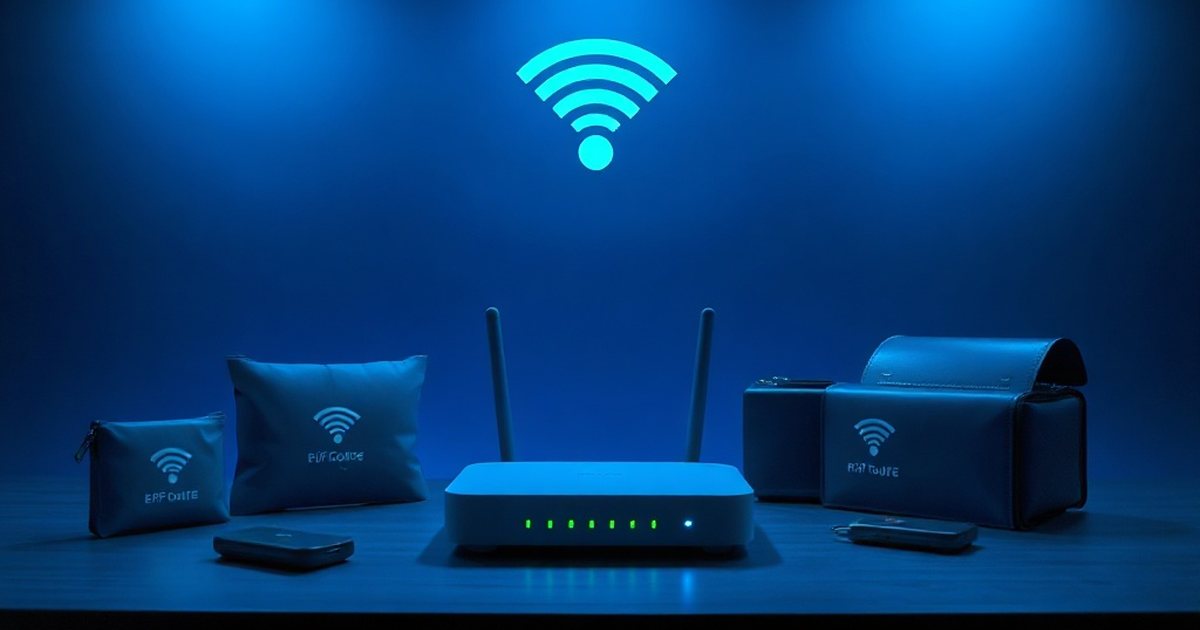
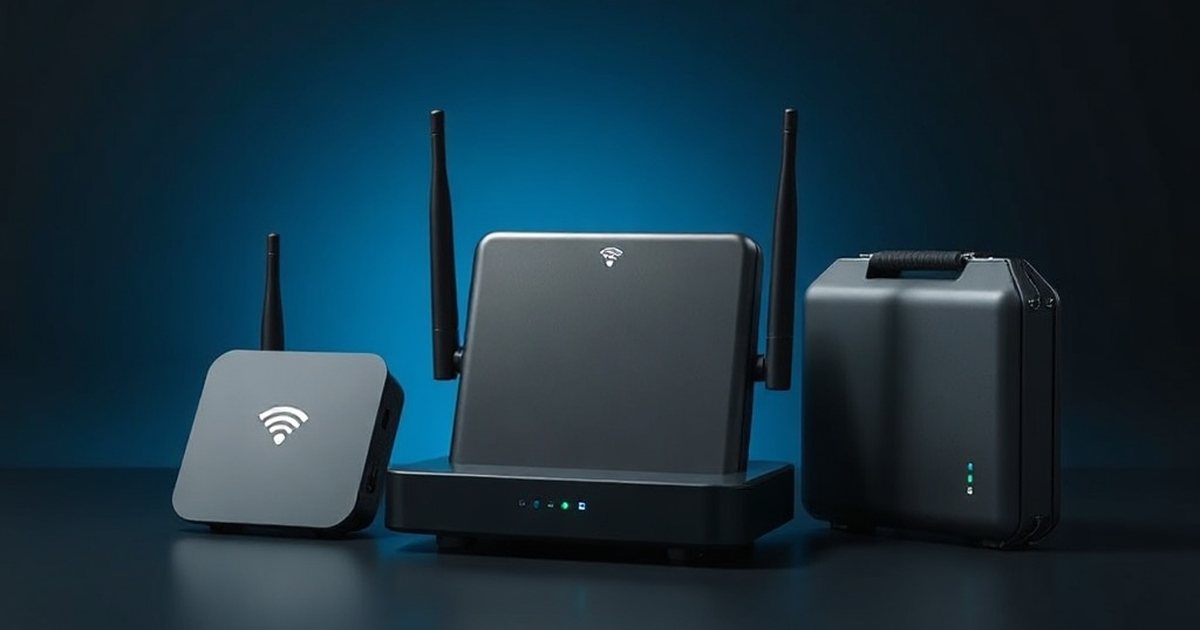
A router guard is a small Faraday cage designed to enclose your WiFi router. The enclosure is made from metal mesh or perforated metal with openings sized to block a percentage of RF energy while still allowing enough signal through to maintain WiFi connectivity.
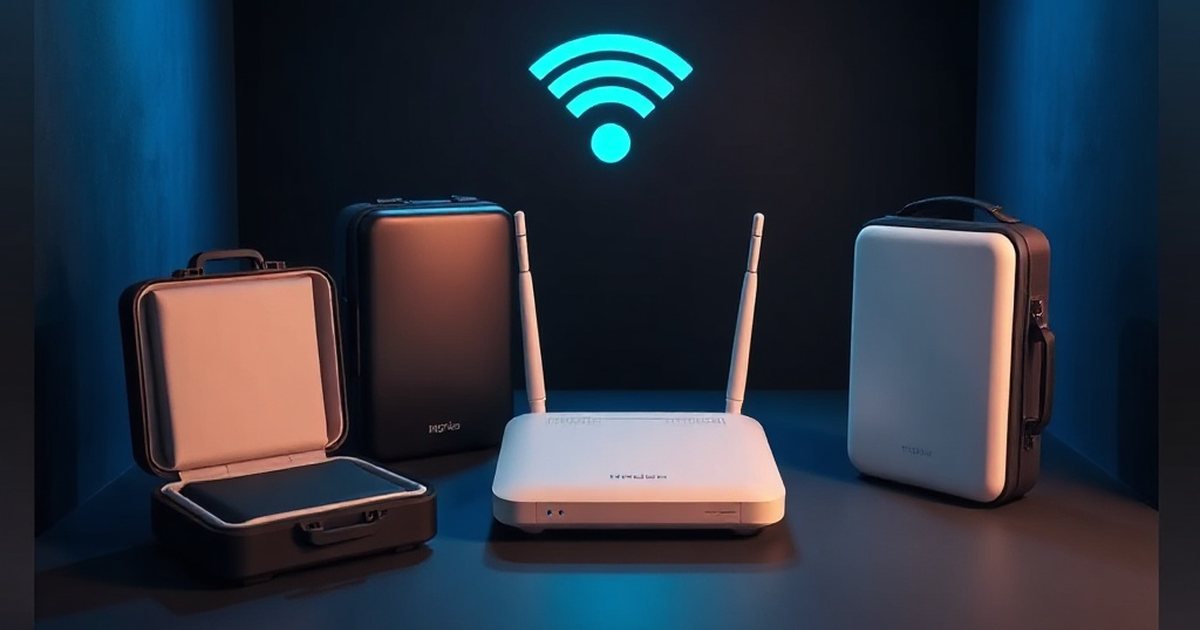
Editor’s Pick: WiFi Router Cover, Smart High Protection Router Cover, Versatile Shielding WiFi Guard (14IN)
The key trade-off is straightforward: the more RF a guard blocks, the weaker your WiFi signal becomes. Every router guard on the market is a compromise between shielding effectiveness and usable WiFi performance. Most products target 85% to 90% RF reduction as the sweet spot where WiFi still functions at reduced range.

What to Look For in a Router Guard
Size matters because your router needs to physically fit inside the enclosure without crimping cables. Ventilation is critical because routers generate heat, and a sealed enclosure will shorten your router’s lifespan or cause throttling. Look for products tested with recognized RF meters rather than relying solely on marketing claims.
Real Product Comparison
The following table compares several of the most widely available router guard products. All shielding claims come from manufacturer specifications and third-party review sites. Independent lab verification of these specific products is limited, so treat the percentages as approximate.
Editor’s Pick: Otoolling Large WiFi Router Cover, Smart Meter Cover Block 90% of WiFi Router EMF and 5G Exposure
| Product | Material | Dimensions | Claimed RF Reduction | Notable Features |
|---|---|---|---|---|
| Smart Meter Guard Router Guard | Low carbon steel | 12 x 9 x 3 in | 85% to 90% | Made in USA, no assembly required, tested with Gigahertz Solutions HF 35C, TriField TF2, and Cornet ED88T Plus meters |
| Smart Meter Guard Large Router Guard | Low carbon steel | 12 x 11.875 x 5.5 in | 85% to 90% | Fits large Xfinity and AT&T Uverse units, Made in USA, no assembly |
| Faraday Defense Router Shield 2 | Perforated aluminum with powder coat | 10 x 9 x 3.5 in | Approximately 85% | Designer-grade appearance, can stand upright or sit sideways, rubber grommet for cable routing |
| Signal Tamer (LessEMF) | Metal mesh | Varies by model | 90% to 95% | Higher claimed reduction, from a long-established EMF shielding retailer |
All four products follow the same principle: enclose the router in a metal housing that attenuates RF output. The Smart Meter Guard products are the most widely reviewed in the EMF community, with multiple users confirming measurable RF reduction using consumer-grade meters. The Faraday Defense Router Shield 2 stands out for aesthetics. The Signal Tamer claims slightly higher shielding effectiveness but uses a different mesh design.
For larger or unusually shaped routers (including many ISP-provided modem/router combos), measure your device before ordering. The most common reason for returns is a router that does not physically fit inside the guard.

Alternative and Complementary Approaches
Router guards address RF output at the source, but they are just one tool. Several other strategies can reduce your overall WiFi EMF exposure, and many of them work well in combination.
Ethernet Backhaul
The most effective way to reduce WiFi EMF is to use less WiFi. Running ethernet cables to stationary devices like desktop computers, smart TVs, gaming consoles, and streaming devices eliminates their need to communicate wirelessly. Once these high-bandwidth devices are wired, you can often reduce your router’s transmission power or disable one of the radio bands entirely, since fewer devices are competing for wireless bandwidth.
For homes where running cables is impractical, powerline adapters (MoCA or HomePlug) use existing electrical wiring to carry network data. Performance varies by wiring age and quality, but it is a viable alternative.
Router Timers and Schedules
A simple outlet timer can shut your router off during sleeping hours. If your household is asleep from 11 PM to 6 AM, that is 7 hours per night (roughly 30% of every day) with zero WiFi EMF exposure. Many modern routers also have built-in scheduling features in their admin panels that let you disable the wireless radios on a schedule while keeping the wired connections active. This is preferable to cutting power entirely, since it avoids the boot-up delay when the router restarts.
Disabling Unused Radio Bands
Most modern routers are dual-band, transmitting on both 2.4 GHz and 5 GHz simultaneously. Each active radio band is an independent RF source. If all your devices can connect on 5 GHz, you can disable the 2.4 GHz radio and eliminate one source of RF emission. Similarly, disable guest networks if you are not actively using them, since many routers broadcast a separate SSID for guest access even when no guests are connected.
Reducing Transmission Power
Most routers ship with transmission power at maximum. If you only need coverage in a few rooms, log into your router’s admin panel and reduce it. Dropping from 100% to 50% cuts RF output significantly while often providing enough range for a modest home. Look for “Transmit Power,” “TX Power,” or “Radio Power” in the wireless settings.
Mesh System Placement Considerations
Mesh WiFi systems use multiple access points instead of a single powerful router. Each node transmits at lower power, but you now have multiple RF sources throughout your living space. If you use a mesh system, place nodes in hallways or transitional spaces rather than bedrooms or next to desks. Consider wired ethernet backhaul between mesh nodes instead of wireless backhaul, which adds another layer of RF traffic.
Do Router Guards Reduce WiFi Performance?
Yes, and it is important to be honest about this. Manufacturers say a router guard blocks 85% to 90% of the RF signal your router emits, though independent verification of these products is limited and measured shielding depends on frequency, seams and gaps [4][5]. That RF signal is the same signal your devices use to connect to the internet. Blocking most of it will have consequences.
Manufacturers typically claim that their products reduce WiFi range by 10% to 25% while leaving download and upload speeds unaffected. There is a logical tension in this claim. WiFi speed and WiFi range are not independent variables. When your device receives a weaker signal (because the router guard is attenuating it), the device and router negotiate a lower connection rate to maintain stability. At close range, this effect may be negligible because there is still plenty of signal to work with. At the edges of your coverage area, the signal reduction from a router guard can mean the difference between a usable connection and a dead zone.
Here is what to realistically expect:
In the same room as the router (within 15 feet): You will likely notice little to no difference in speed. The remaining 10% to 15% of signal is more than sufficient for most devices at close range.
One room away (15 to 30 feet, through walls): You may see reduced speeds, especially on 5 GHz which already has shorter range than 2.4 GHz. Streaming and video calls may still work, but you might see more buffering or resolution drops.
Two or more rooms away (30+ feet): This is where router guards can create real problems. Devices that previously had a marginal connection may lose it entirely. If your home layout requires strong WiFi in far-flung rooms, a router guard may not be compatible with your needs without adding a wired access point or mesh node to extend coverage.
The honest recommendation: if you decide to use a router guard, test your WiFi speeds and coverage before and after installation. Use a speed test app on your phone in every room where you need coverage. If the guard creates dead zones, consider combining it with ethernet-wired access points in those areas rather than abandoning the guard entirely.
Putting It All Together: A Layered Approach
No single strategy eliminates WiFi EMF exposure completely (unless you stop using WiFi). The most practical approach is to layer multiple strategies based on your priorities and living situation.
Start with distance. Move the router away from bedrooms, desks, and seating areas. This is free and delivers the largest reduction in exposure. A move from 2 feet to 10 feet reduces power density by roughly 96%.
Add time-based controls. Use a timer or router schedule to disable WiFi during sleeping hours. This eliminates exposure entirely during the longest continuous period your household spends in one place.
Wire what you can. Every device you connect via ethernet is one less device requiring WiFi bandwidth, which means you can potentially reduce transmission power.
Then consider a router guard. After optimizing placement, scheduling, and wired connections, a router guard can further reduce the remaining RF output. It is most effective as a complement to the above strategies, not a replacement for them. A router guard on a router that sits 2 feet from your pillow is less effective overall than simply moving the router 10 feet away.
Reduce and disable. Turn off unused radio bands, disable guest networks, and lower transmission power to the minimum that still provides adequate coverage. These software changes cost nothing and take minutes.
Frequently Asked Questions
What is a safe distance from a WiFi router?
There is no universally agreed-upon “safe” distance, since health guidelines vary by country and organization. Based on published RF measurements, power density drops below 1,000 µW/m² (the Building Biology concern threshold for sleeping areas) at roughly 3 to 6 feet from most routers. Many EMF-conscious practitioners recommend maintaining at least 6 to 10 feet of distance from a running router, with greater distance preferred for bedrooms and workspaces where you spend hours at a time.
Do WiFi routers emit radiation when no one is using the internet?
Yes. Routers continuously broadcast beacon frames (typically every 100 milliseconds) to announce their network to nearby devices, regardless of whether anyone is actively browsing or streaming. The router also maintains connections with any paired devices. The only way to stop RF emission completely is to disable the wireless radios or power off the router.
Will a router guard make my internet slower?
At close range, most users report minimal speed impact. However, router guards reduce signal range by 10% to 25% according to manufacturer specifications, and at the edges of your coverage area this can translate to slower speeds or dropped connections. Test your WiFi performance in all rooms before and after installing a guard to identify any problem areas. You can often compensate by adding a wired access point where coverage falls short.
Is 5 GHz WiFi worse than 2.4 GHz for EMF exposure?
Both bands produce RF radiation, but they behave differently. 5 GHz has a shorter range and is absorbed more readily by walls and obstacles, so it does not travel as far. From an EMF perspective, if you are sitting close to the router, both bands contribute to your exposure. If you can disable one band without affecting your connectivity, that is one less RF source. Which band to disable depends on which one your devices actually use.
Can I build my own router guard with Faraday fabric?
Yes, and some users prefer this approach because it allows custom sizing for unusual router shapes. Copper-nickel Faraday fabric rated for shielding up to 10 GHz can be cut and formed into a loose enclosure around the router. The critical considerations are ventilation (leave openings or use breathable mesh to prevent overheating) and consistent coverage (gaps in the fabric reduce effectiveness). Pre-made DIY kits with fabric and conductive tape are available from retailers like LessEMF and DefenderShield.
Should I turn off my router at night?
If no one in your household needs internet access during sleeping hours, turning the router off or disabling its wireless radios on a schedule is one of the most effective strategies available. It eliminates 100% of WiFi EMF during the hours you are most stationary. A simple mechanical outlet timer costs a few dollars and automates this completely. Some routers also support wireless scheduling through their admin interface, which disables WiFi while keeping wired connections active.
Do router guards cause the router to increase its output power?
This is a common concern but generally not an issue with properly designed router guards. Most consumer routers operate at a fixed transmission power set in their firmware. They do not dynamically increase output in response to reduced range. However, some ISP-provided modem/router combos and enterprise access points do have automatic power adjustment features. If you suspect your router is increasing power, check the admin panel for a “transmit power control” or “auto power” setting and switch it to manual at a fixed level.
How do I measure WiFi EMF in my home?
You need an RF meter capable of reading in the 2.4 GHz to 5 GHz range. Popular consumer-grade options include the TriField TF2, the Cornet ED88T Plus, and meters from Gigahertz Solutions. To get accurate readings, turn off other RF sources (put phones in airplane mode, disable Bluetooth devices), hold the meter at body height, and take readings at 1 foot, 3 feet, 6 feet, and 10 feet from the router. Hold the meter steady for 30 to 60 seconds at each point to capture beacon pulses, since readings will fluctuate.
Conclusion
WiFi router EMF management comes down to a handful of practical strategies. Distance is your most powerful tool. The inverse square law means that moving a router from 2 feet away to 10 feet away reduces power density by roughly 96%, and that costs nothing. Thoughtful placement away from bedrooms and workspaces, combined with simple scheduling to disable WiFi during sleeping hours, addresses the majority of continuous exposure concerns.
Router guards from manufacturers like Smart Meter Guard, Faraday Defense, and LessEMF can further reduce the RF output that reaches your living space, but they come with a genuine trade-off in WiFi range. Be realistic about this: test your coverage after installation and supplement with wired connections or access points where needed.
The most effective approach is layered. Start with distance and placement. Add time-based controls.
Wire stationary devices. Reduce transmission power and disable unused bands. Then, if you want additional reduction, a router guard rounds out the strategy.
No single product or technique is a complete solution, but combining several of them can significantly reduce the WiFi EMF levels in the spaces where your household spends the most time.
References
- Ramirez-Vazquez R et al. Characterisation of personal exposure to environmental radiofrequency electromagnetic fields in Albacete (Spain) and assessment of risk perception. Environmental research (2019). PMID 30782530
- Bolte JF et al. Personal radiofrequency electromagnetic field measurements in The Netherlands: exposure level and variability for everyday activities, times of day and types of area. Environment international (2012). PMID 22906414
- Reza Aminzadeh et al. On‐body calibration and measurements using personal radiofrequency exposimeters in indoor diffuse and specular environments. Bioelectromagnetics (2016). PMID 27121268
- Ming Li Jiao et al. Electromagnetic Interference Shielding Properties of Silver-Plated Polyester Fabric. Applied Mechanics and Materials (2012). doi:10.4028/www.scientific.net/amm.239-240.310
- Andrew C. Marvin et al. A Method for the Measurement of Shielding Effectiveness of Planar Samples Requiring No Sample Edge Preparation or Contact. IEEE Transactions on Electromagnetic Compatibility (2009). doi:10.1109/temc.2009.2015147
- Leen Verloock et al. Assessment of Radio Frequency Exposures in Schools, Homes, and Public Places in Belgium. Health Physics (2014). PMID 25353235
- Ken Karipidis et al. Exposure to Radiofrequency Electromagnetic Fields From Wi-Fi in Australian Schools. Radiation Protection Dosimetry (2016). PMID 28074013
- McKenzie RJ et al. Assessment of radio frequency fields in the 2.45 GHz band produced by smart home devices. Bioelectromagnetics (2024). PMID 38014861
- Lena K. Hedendahl et al. Measurements of Radiofrequency Radiation with a Body-Borne Exposimeter in Swedish Schools with Wi-Fi. Frontiers in Public Health (2017). PMID 29214149
These statements have not been evaluated by the Food and Drug Administration. This information is not intended to diagnose, treat, cure, or prevent any disease. Content is for informational purposes only and is not medical advice; consult a qualified healthcare provider before starting any supplement. As an Amazon Associate we earn from qualifying purchases.